Sessions & Continuity
Heddle saves sessions under .heddle/ so longer work never resets.
Overview
Come back to an interrupted task, continue a debugging thread, or preserve project context across runs. Sessions keep conversation history, compacted summaries, queued prompts, model selection, reasoning effort, pin/archive state, and pending runtime state local to the workspace.
Saved sessions use .heddle/chat-sessions.catalog.json plus per-session files under .heddle/chat-sessions/. The browser control plane and terminal UI read the same session records, so you can start in the shell, review in the browser, and continue the same conversation later.
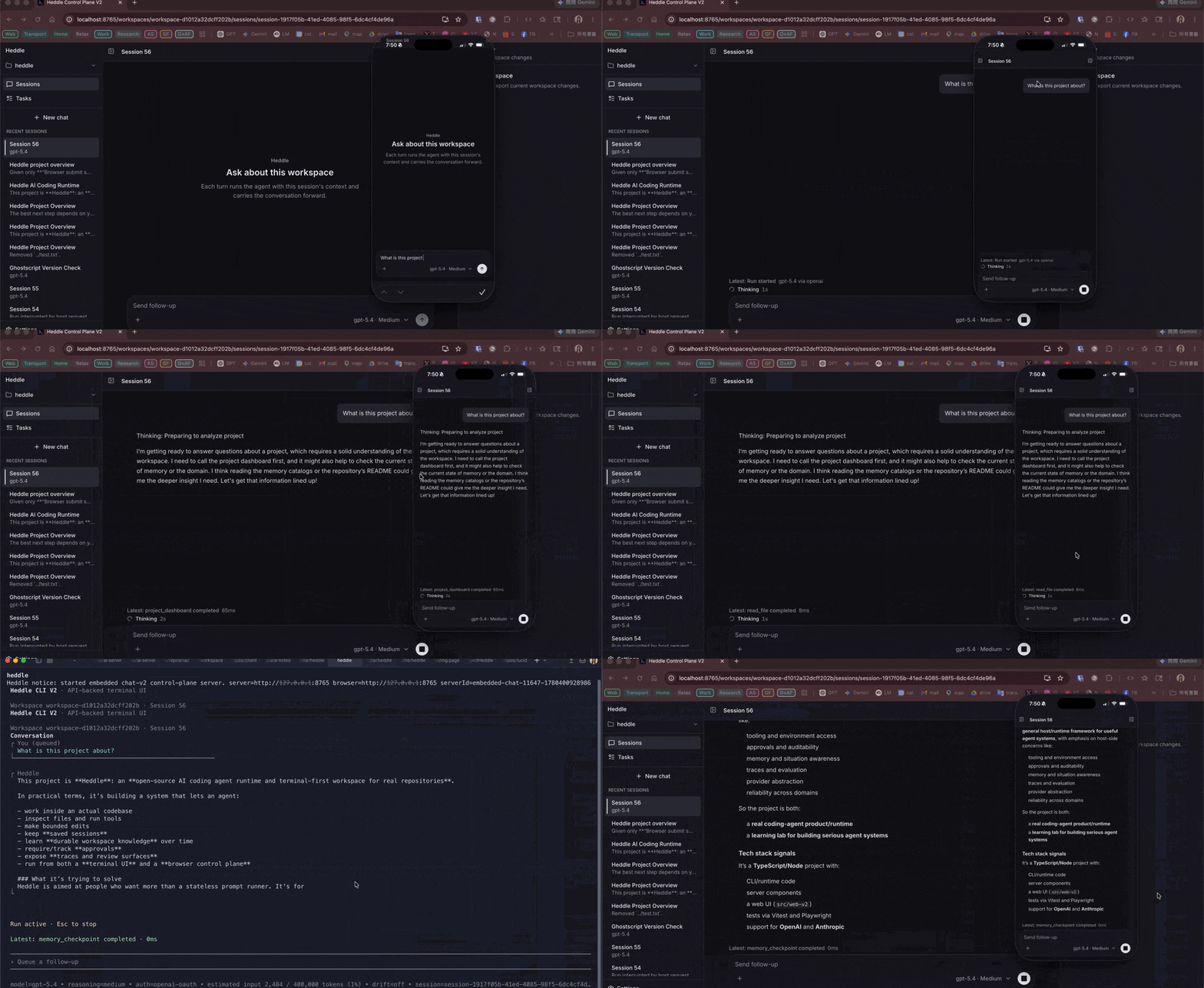
Why saved AI coding sessions matter
Real repository work rarely fits in one prompt. Saved sessions let Heddle continue debugging, implementation, refactoring, documentation, and review tasks without starting from a blank conversation. They also give the browser control plane a durable record to inspect after a terminal run has finished.
What persists with a session
Session management actions
Use terminal slash commands to create, choose, switch, continue, rename, pin, unpin, and close saved sessions.
In the browser control plane, right-click a session row to pin or unpin it, rename it inline, or archive it. Archived sessions are hidden from normal session lists, and the archive toast includes an immediate undo action.
Compaction and context
Longer chats can outgrow a model context window. Heddle can compact older history automatically, and you can use /compact when you want to summarize older context immediately. The terminal footer estimates request size against the active model's context window so you can see when history is getting large.
Commands
/session list             # List recent saved sessions
/session choose <query>   # Pick a saved session interactively
/session new [name]       # Create a new session
/session switch <id>      # Switch to a saved session
/session continue <id>    # Switch and immediately continue
/session rename <name>    # Rename the current session
/session pin              # Keep the current session above normal recent sessions
/session unpin            # Return the current session to normal ordering
/session close <id>       # Remove a saved session
/continue                 # Continue the current session
/compact                  # Compact older history